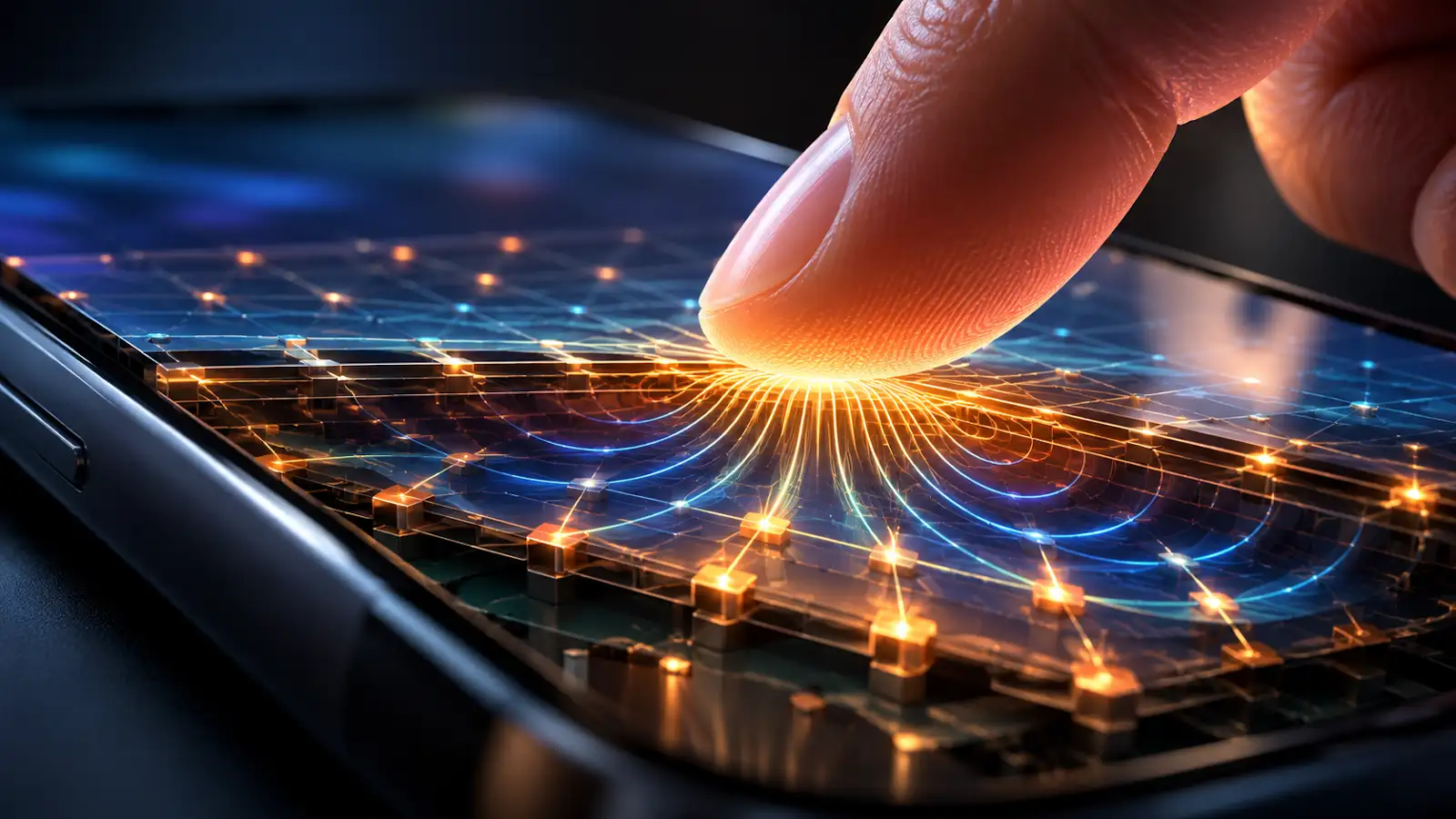
The display and the touch sensor are not the same job
The part that creates the picture and the part that senses your finger are different functions, even though modern phones pack them together into an extremely thin assembly. The display produces light and colour. The touch system measures where conductive objects such as your finger interact with the surface.
Most modern smartphones use projected capacitive touch. Under the cover glass is a pattern of transparent conductive electrodes. Depending on the design, those electrodes may be separate layers, integrated into the display stack, or arranged in other compact forms. To your eye the grid is essentially invisible.
What is capacitance?
Capacitance is the ability of a system to store electric charge. Whenever conductive objects are separated by an insulating material, they can behave a little like a capacitor. A touchscreen deliberately creates many tiny sensing regions from transparent conductors, glass and electric fields.
Your body also conducts electricity. When your fingertip comes close to the glass, it becomes part of the electrical environment around those sensing electrodes. That changes the measured capacitance by a very small amount.
A hidden grid gives the phone X and Y coordinates
Imagine rows and columns of transparent conductors spread across the screen. The touch controller repeatedly scans them. In one common method called mutual capacitance, the controller monitors electrical coupling between transmitting and receiving electrodes. A nearby finger changes that coupling around the point it touches.
Because the controller knows which row and which column show the strongest change, it can estimate the position of your fingertip. It does not have to guess which on-screen button you wanted. It simply reports coordinates, such as “a touch occurred around this X and Y location.” Software then checks what was drawn at that location.
There are also self-capacitance sensing methods, where a finger changes an electrode’s capacitance relative to ground. In that case a touch commonly increases the measured capacitance. In mutual-capacitance systems the measured coupling between electrodes can decrease. So the exact electrical change depends on how the sensor is designed; the universal idea is that the finger causes a measurable capacitance change.
The controller is scanning even before you touch
A touchscreen controller takes baseline measurements of the panel when it is untouched. It then scans the sensor repeatedly and compares new measurements with that baseline. A real finger produces a pattern that rises above thresholds chosen by the hardware and firmware.
The controller also has to ignore electrical noise from the charger, display, radio circuits and environment. That is why touch sensing is not simply “measure one wire and see if it changed.” The system filters, calibrates and interprets many measurements continuously.
How does multi-touch work?
A single finger disturbs one region of the grid. Two fingers disturb two regions. A projected-capacitive controller can analyse multiple changes at once, allowing the device to track several contact points simultaneously.
The operating system receives those contact points and interprets their movement. Two touches moving apart may become a pinch-to-zoom gesture. Two moving together can zoom out. A swipe is simply a sequence of coordinates changing over time.
Does the screen know how hard you pressed?
Normally, capacitive touch primarily tells the device where contact occurred, not mechanical pressure in the way a physical scale would. The size and strength of a capacitive signal can vary with contact area and distance, but that is not the same thing as directly measuring force.
Some devices have used separate pressure- or force-sensing techniques to add that information. But ordinary capacitive touch does not need you to push hard. A gentle conductive contact is enough.
Why does a normal glove sometimes fail?
A bare finger couples electrically to the touchscreen very well. Thick ordinary fabric can keep the finger far enough from the sensor that the capacitance change becomes too small. Conductive touchscreen gloves solve this by putting conductive material in the fingertip area so the electrical interaction reaches the screen.
Some modern controllers can also be tuned for greater sensitivity and may work through certain gloves. That extra sensitivity has a trade-off: the controller still has to distinguish a real finger from noise, moisture or accidental contact.
Why can water confuse a touchscreen?
Water can influence electric fields too, especially when it spreads across the glass or contains dissolved minerals. A droplet may change capacitance over part of the sensor and imitate or distort the pattern produced by a finger.
Touchscreen hardware and firmware therefore use algorithms to recognise water, reject unlikely touch shapes and maintain a usable baseline. This is one reason two phones can behave differently when their screens are wet even though both use capacitive technology.
Why can a capacitive stylus work?
A simple capacitive stylus has a conductive tip designed to create an electrical effect similar to a fingertip. The sensor sees the resulting capacitance change and reports a touch position.
More advanced active styluses can communicate additional information such as precise position, pressure, button states or tilt using dedicated electronics. That goes beyond the basic finger-detection mechanism.
What happens after the screen finds the touch?
The touch controller turns raw sensor measurements into digital touch data. It may report one or more coordinates, contact size and other information to the phone’s main processor. The operating system then decides which app or interface element owns that location.
If you tap a keyboard key, the keyboard software compares the touch coordinates with the invisible boundaries of each key. It may also use language prediction and neighbouring-key correction, which is why a phone can sometimes type the letter you intended even when your finger lands slightly off-centre.
Your phone is measuring a field, not watching your finger
Nothing under the glass needs to see the colour or shape of your fingertip. The touchscreen is effectively an electrical measuring instrument laid across the display. It continuously asks: what is the capacitance pattern of this panel right now, and how is it different from a moment ago?
A finger changes that pattern. The controller locates the change. Software maps it to the interface. The entire chain is fast enough that touching glass feels as immediate as pressing a physical button.